

A quilt can look finished on a computer screen and still fail at the machine. A quilter may spend an evening drafting a block, auditioning fabrics, and arranging borders, only to discover that the chosen quilting design software can't export a file format the longarm system can read. The design isn't the problem. The break occurs between the digital plan and the physical equipment.
That gap shapes the buying decision. A useful program must match the quilter's design goals, working habits, computer or tablet, and longarm ecosystem. A browser tool may be perfect for quick fabric visualization, while a desktop environment may be necessary for custom blocks, templates, cutting information, or precise quilting-file preparation.
Table of Contents
- The Reality of Digital Quilt Planning
- How the Quilting Software Market Evolved
- Comparing Desktop Power and Browser Convenience
- Navigating Longarm File Formats and Exports
- The Hidden Trade-offs of Mobile Quilting Apps
- Connecting Digital Designs to Physical Machines
- Choosing Your Next Quilting Workflow
The Reality of Digital Quilt Planning
A quilter starts with a strong idea, fills a digital block with fabric images, and builds a promising layout. The screen shows the right colors and proportions, so the project appears ready for production. Then the quilter reaches the export menu and finds that the program creates an image or printable plan, but not the stitch file required by the longarm machine.
That scenario is common enough to deserve attention before software is purchased. Digital quilt planning has two separate jobs. The first is creative design, including blocks, fabric placement, borders, and layout. The second is production, which may involve cutting instructions, printable templates, vector artwork, quilting paths, or machine-specific stitch files.
A program can handle the first job beautifully and still be unsuitable for the second. A coloring tool may help a quilter decide whether a dark accent belongs in the center of a star, but it may not draft original blocks or create output for computerized quilting. Conversely, a technical longarm editor may be excellent for editing quilting motifs while offering little help with piecing design.
Practical rule: Choose software by starting at the needle and working backward to the screen.
Before comparing features, a quilter should record the exact longarm machine, robotics system, and file types already in use. The relevant question isn't whether a program “exports quilting files.” The useful question is whether it exports a file that the specific hardware can import without an awkward conversion step.
A broader introduction to digital design workflows appears in this overview of sewing design software, but longarm owners need a more specific checklist. They should confirm whether the program supports the desired level of drafting, whether it can save reusable assets, and whether printed or digital output fits the way the quilt is made.
The best workflow is usually less dramatic than a marketing demonstration. A quilter drafts or colors a design, checks its construction, previews scale and placement, exports the appropriate output, and tests a small section before committing to an entire quilt. Software that supports each handoff earns its place. Software that stops at an attractive picture may still be useful, but it should be purchased as a visualizer rather than treated as a complete production system.
How the Quilting Software Market Evolved
Quilting design software developed in stages rather than as one standardized category. Documented history reaches back to 1986, when botanist and quilter Nina Antze created software for an IBM computer. By 1991, commercial quilting software had entered the market, followed by a gradual shift from personal-computer experiments to specialized functions such as block design, fabric auditioning, layouts, cutting charts, templates, and printable patterns. The history of quilt software records that progression.
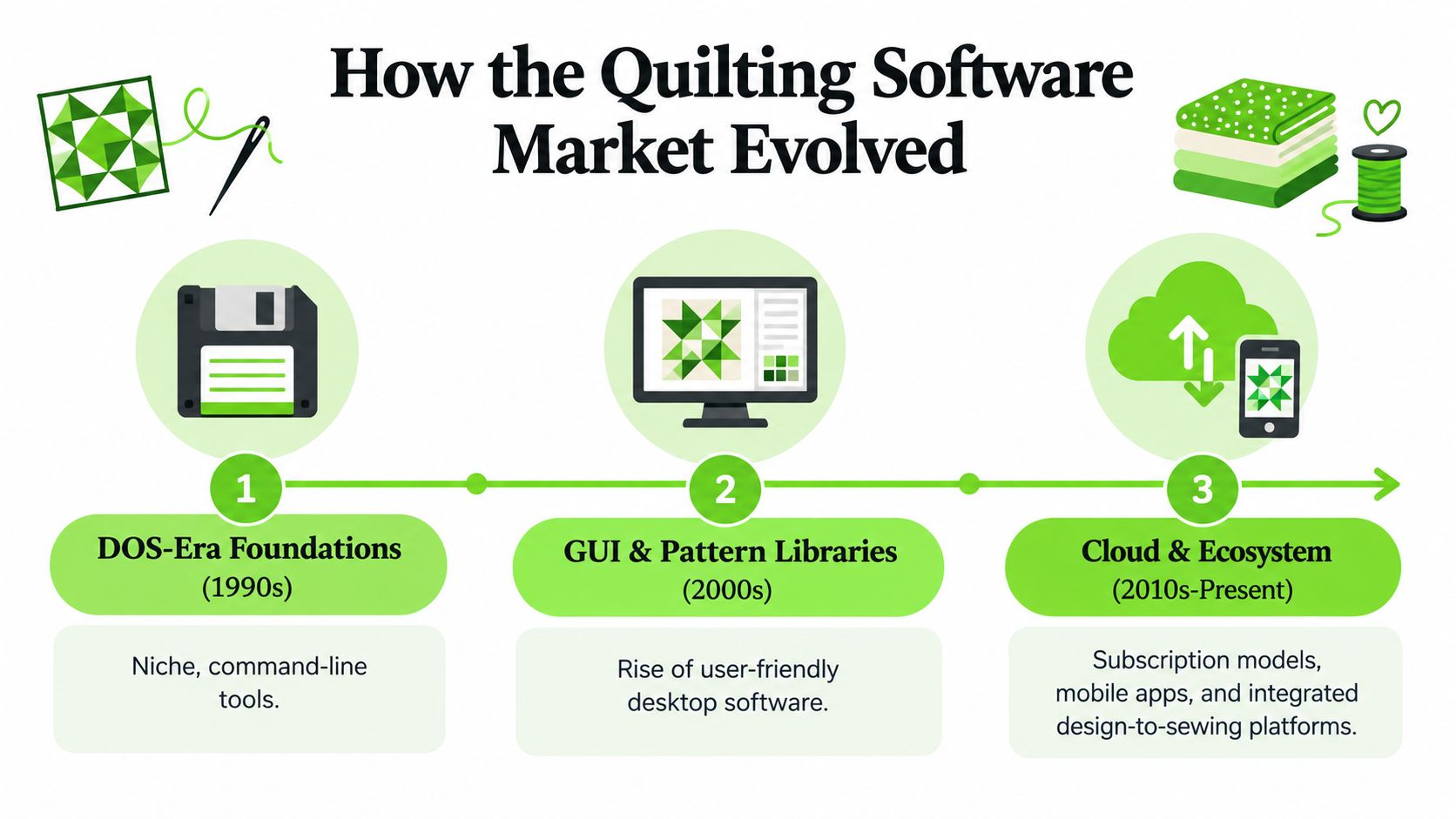
A significant milestone arrived in 2017, when a major long-running desktop quilting program released its newest version. A later industry comparison listed that version at $239.95 as a one-time purchase. The point is practical as well as historical. Mature desktop software often feels specialized because its tools and file handling have been refined around quilting instead of adapted from general drawing programs.
Three current market groups
The category becomes easier to assess by access and purpose:
- Paid desktop drafting software usually provides deeper block construction, layout control, reusable libraries, and production documentation. It suits quilters who create original designs repeatedly.
- Browser-based coloring tools focus on quick access and fabric visualization. They work well for testing combinations on an existing pattern without installing a large program.
- Free browser designers reduce the entry barrier, allowing beginners to test digital quilt planning before committing to a paid workflow.
These access models change how value should be judged. A one-time desktop purchase can require more upfront commitment but offers predictable ownership. A subscription or free browser tool may be easier to try, while continued access can depend on an account, an internet connection, or a changing service model.
The market also separates design creation and fabric visualization. Some programs generate charts, templates, and PDF files. Others are better suited to auditioning fabrics on an existing pattern. Treating them as interchangeable creates workflow friction, especially when a design must later be printed, edited, or prepared for machine quilting.
That distinction also appears in adjacent digital craft software. This explanation of embroidery digitizing software shows why the intended physical result should guide software selection. For quilting, the same habit prevents a colorful on-screen mockup from being mistaken for a finished production file. A buyer should identify whether the priority is drafting, visualization, documentation, or export before comparing features.
Comparing Desktop Power and Browser Convenience
A quilt can look finished on a tablet, then lose hours at the export stage because the file cannot be edited or accepted by the longarm workflow. Desktop and browser software differ in more than where they run. They shape control over geometry, reusable libraries, repeatable assets, and the path from draft to machine-ready output.
Desktop packages generally suit original drafting. They may let quilters build custom blocks, manipulate patches, arrange settings, save designs, and maintain an organized library for later projects. Browser tools favor access and speed. A quilter can open one on a supported device, upload or photograph fabric references, and make a quick visual decision without installing a full drafting environment. That convenience becomes costly when a mobile-first design must later be rebuilt on a desktop system or translated into a format the receiving machine can read.
Software category comparison
| Software Type | Core Strength | Ideal User |
|---|---|---|
| Paid desktop drafting software | Original blocks, layouts, libraries, charts, templates, and printable plans | A quilter developing designs or teaching repeatable techniques |
| Browser-based coloring software | Fast fabric auditioning and accessible visual experimentation | A quilter evaluating color placement on an existing design |
| Free browser designer | Low-commitment exploration of digital planning | A beginner testing whether digital design fits a creative process |
| Vector-based longarm editor | Precise motif editing, repeats, tracing, and quilting-file preparation | A longarm owner preparing or refining quilting paths |
Repeatability separates a quick experiment from a working design system. An occasional designer may prefer simplicity and portability. Teachers, pattern developers, and small quilting businesses need dependable storage for proprietary blocks, fabric selections, and recurring assets. Some desktop tools separate a basic tier from an advanced tier that adds custom block and fabric libraries, giving saved designs and selections a more reliable home.
Color decisions can introduce another small but real delay. Quilters working with digital fabric images may want to compare shade relationships before transferring choices into a layout. A resource to compare marker shades with ColorBestie can clarify those relationships, but it does not replace quilt-specific layout, fabric management, or file preparation.
Where longarm software fits
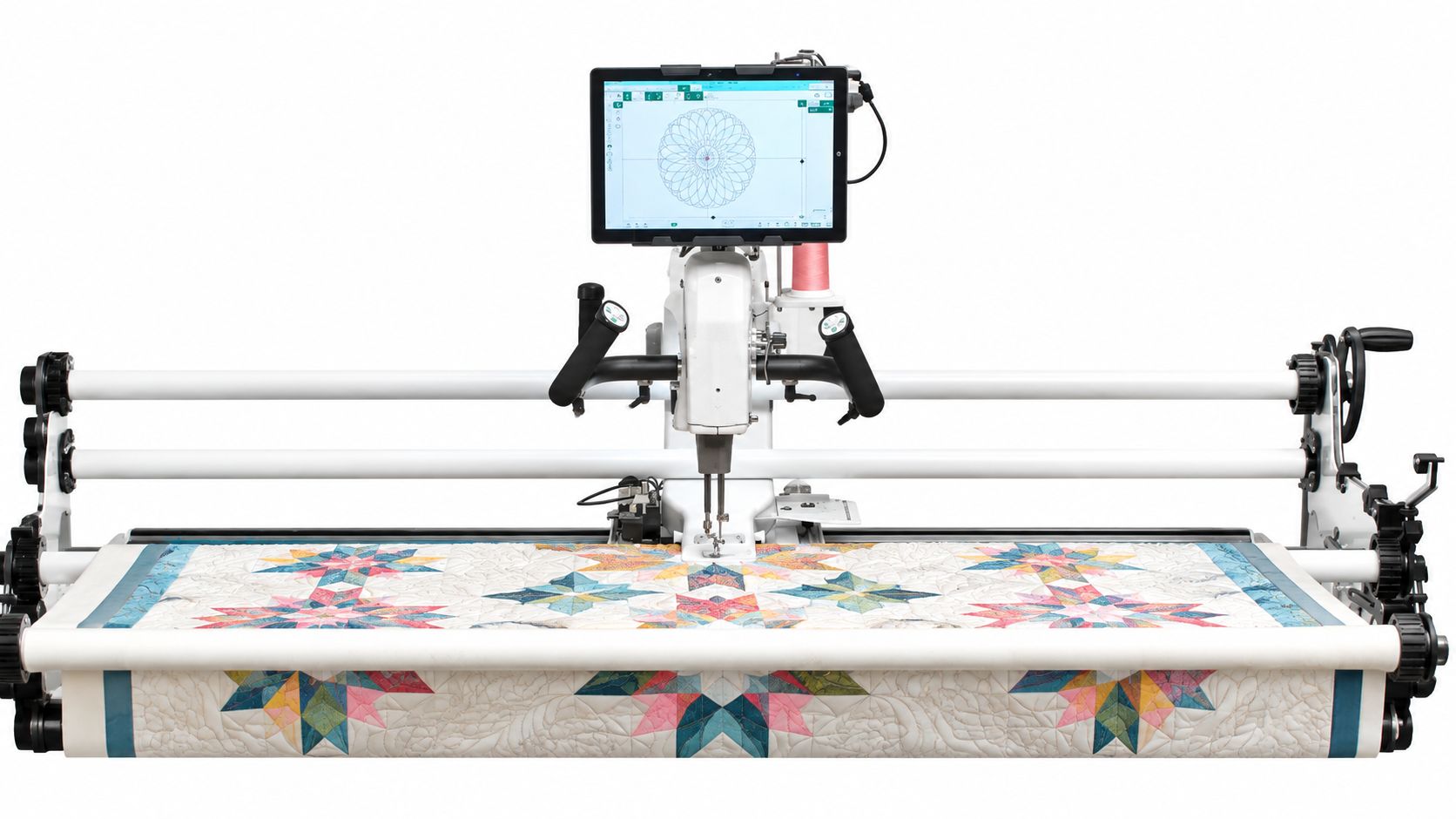
A longarm editor serves a different task from a piecing-design program. Baby Lock Pro-Stitcher 6 Quilting Robotics Software supports computerized and free-motion quilting within a Baby Lock longarm workflow, including edge-to-edge designs, blocks, borders, custom motifs, placement, and switching between quilting modes.
Quilters assessing a broader creative workspace can also review this canvas workspace discussion for Brother machines. Choose based on the handoff, not just the interface. Desktop power pays off when designs require precise editing, reusable assets, or fewer conversion steps. Browser convenience suits portable visual decisions, provided the final design can still reach the intended machine without rebuilding the work.
Navigating Longarm File Formats and Exports
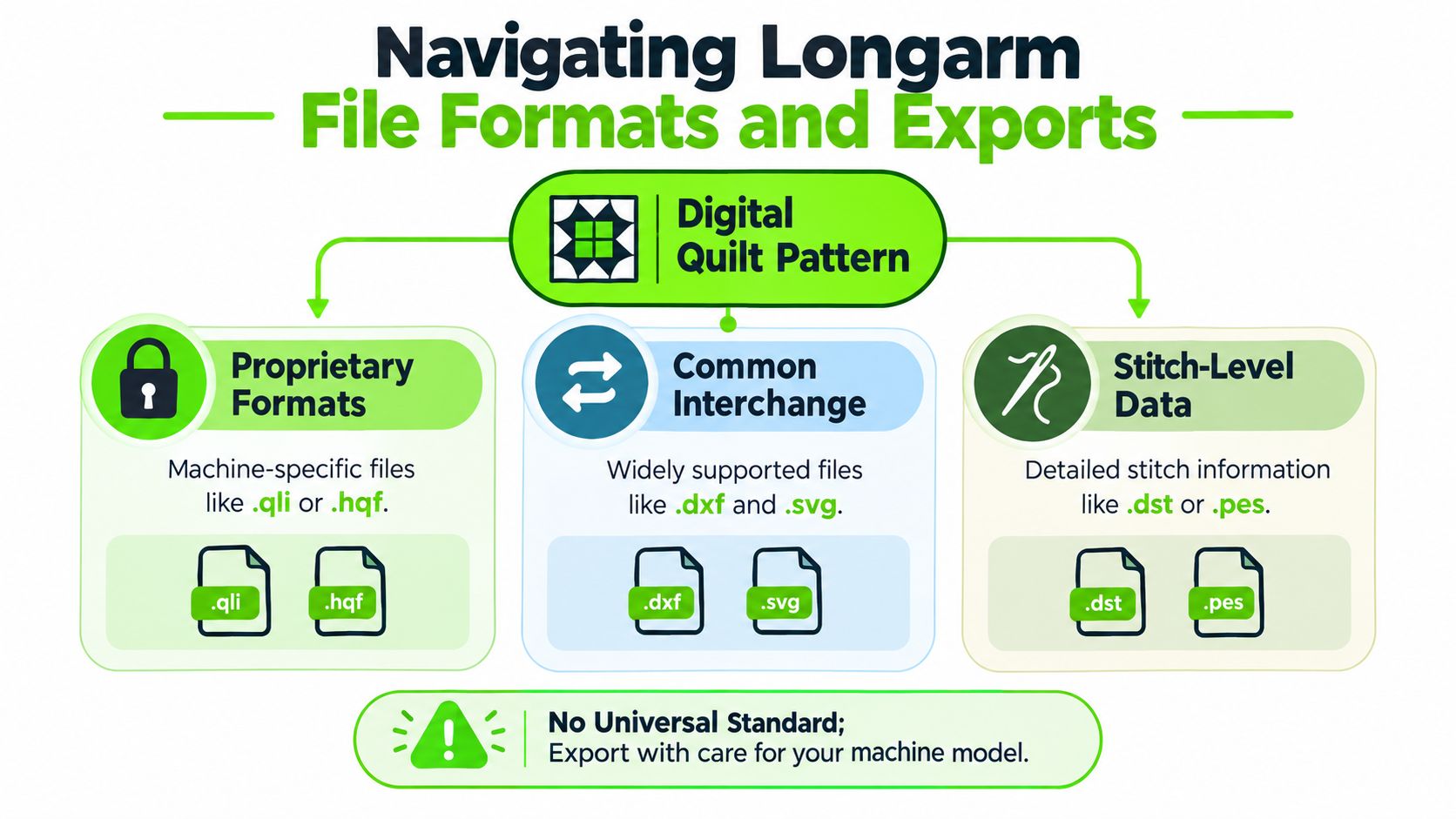
A design can look correct on a desktop and still fail at the machine. There is no universal quilting file format, so compatibility belongs at the start of the buying decision, not after the pattern is finished. A longarm workflow may involve machine-specific and cross-platform extensions, plus conversions that alter scale, placement, or stitch behavior.
One independent format reference lists BQM, CQP, HQF, HQA, HQV, HQW, IQP, PAT, QCC, QLI, SSD, and TXT among supported quilting and longarm files. That list helps identify possible handoff points, but it does not confirm acceptance by a specific machine. Check the receiving system's documentation before committing to software. For compatible examples, see this overview of long-arm quilting designs free.
A practical compatibility check
- Identify the receiving system. Record the longarm brand, robotics system, and software version. Compatibility depends on that receiving environment as well as the design program.
- Find the accepted extensions. Read the machine or robotics import documentation. An independent format reference associates .QLI with one longarm system, .HQF and .HQV with another, and .IQP with a separate quilting system. Treat those associations as starting points, then confirm them with the manufacturer.
- Verify export, not only import. A program may open a file without creating it. Check which formats it exports, whether batch saving is supported, and whether conversion is required. Each conversion adds another opportunity for lost settings or duplicated work.
- Test scale and placement. An opening file can still produce the wrong size, rotation, stitch direction, or boundary. Run a small test area before loading the full quilt.
Raster, vector, and stitch-level output
Some longarm editors connect quilt planning with graphic and cutting workflows by exporting SVG, PNG, JPG, DXF, and PLT, as described in vector-based longarm editor documentation. Raster files such as PNG and JPG work well as visual references. Vector formats such as SVG, DXF, and PLT retain lines and shapes for editing or cutter-related tasks.
Vector-based longarm software may import and export vector files, trace artwork into quilting designs, repeat or reflect motifs, batch-save quilting files, and preview a pattern through Slow Redraw. Published requirements include Windows 8 and 8.1 support, a 1 GHz processor, 1 to 2 GB of RAM, 16 to 20 GB of disk space, and DirectX 9 graphics. (Technical details for a vector-based longarm editor) Modest hardware may run the application, but accurate preparation and careful file handling still determine the quality of the handoff.
A file-format help reference also documents exports including 4QB, QCC, TXT, QLI, DXF, PLT, CMD, CQP, HQF, and IQP. Build a short compatibility matrix before purchasing, then confirm every required format with the machine dealer or manufacturer. Mobile convenience is useful only when it does not erase the desktop editing work already completed.
The Hidden Trade-offs of Mobile Quilting Apps
A quilter standing at the cutting table can open a project on a tablet, test a color arrangement, and show it to a student without returning to a desk. Browser and mobile workflows solve genuine access problems. Recent comparisons show a platform split between web, tablet, and desktop-only tools.
Portability does not provide the same drafting control. A mobile interface can make fabric auditioning quick, but precise patch geometry, layered construction decisions, custom libraries, and detailed vector editing may require more screen space and stronger file controls. Touch gestures work well for moving objects. They become less comfortable when exact alignment, repeatable measurements, or many layers matter.
What portability improves
Mobile access supports several practical tasks:
- Stash reference: Photographed fabrics can guide shopping and planning away from the main workstation.
- Collaboration: A design can be shown to a student, client, or sewing partner without sending a large project file.
- Quick iteration: Color changes and layout tests can happen beside the fabric shelves.
- Lower entry friction: Browser access gives beginners a way to experiment before learning a full desktop system.
These advantages suit visual exploration. They carry less weight once the project depends on exact drafting, reusable assets, or a controlled production record.
What may disappear in the trade
The workflow loss appears when auditioning becomes production. A mobile tool may offer less control over snapping, patch division, construction logic, vector tracing, and machine-ready export. Even when the design looks correct on screen, missing controls can force a quilter to rebuild or clean up the file on a desktop.
Cloud storage introduces another dependency. Access may rely on an account, an internet connection, or a continuing service model, while a desktop project can remain available as a local file. That distinction matters when an older design must be revised, archived, or prepared again for quilting.
Pricing also affects workflow decisions. The market includes one-time desktop purchases, recurring billing, free tools, and supporter tiers, so the lowest entry cost does not automatically produce the lowest long-term cost. A hobbyist may need occasional access, while an educator or shop may depend on reliable access to saved designs and production records.
Convenience is valuable only when it survives the handoff from screen to fabric.
Desktop software generally suits detailed drafting and repeatable preparation. Mobile tools suit portable color work and quick collaboration. Choose based on the next task: selecting fabric, or creating a file that can be edited, saved, and handed to the quilting workflow without losing the decisions made at the desk.
Connecting Digital Designs to Physical Machines
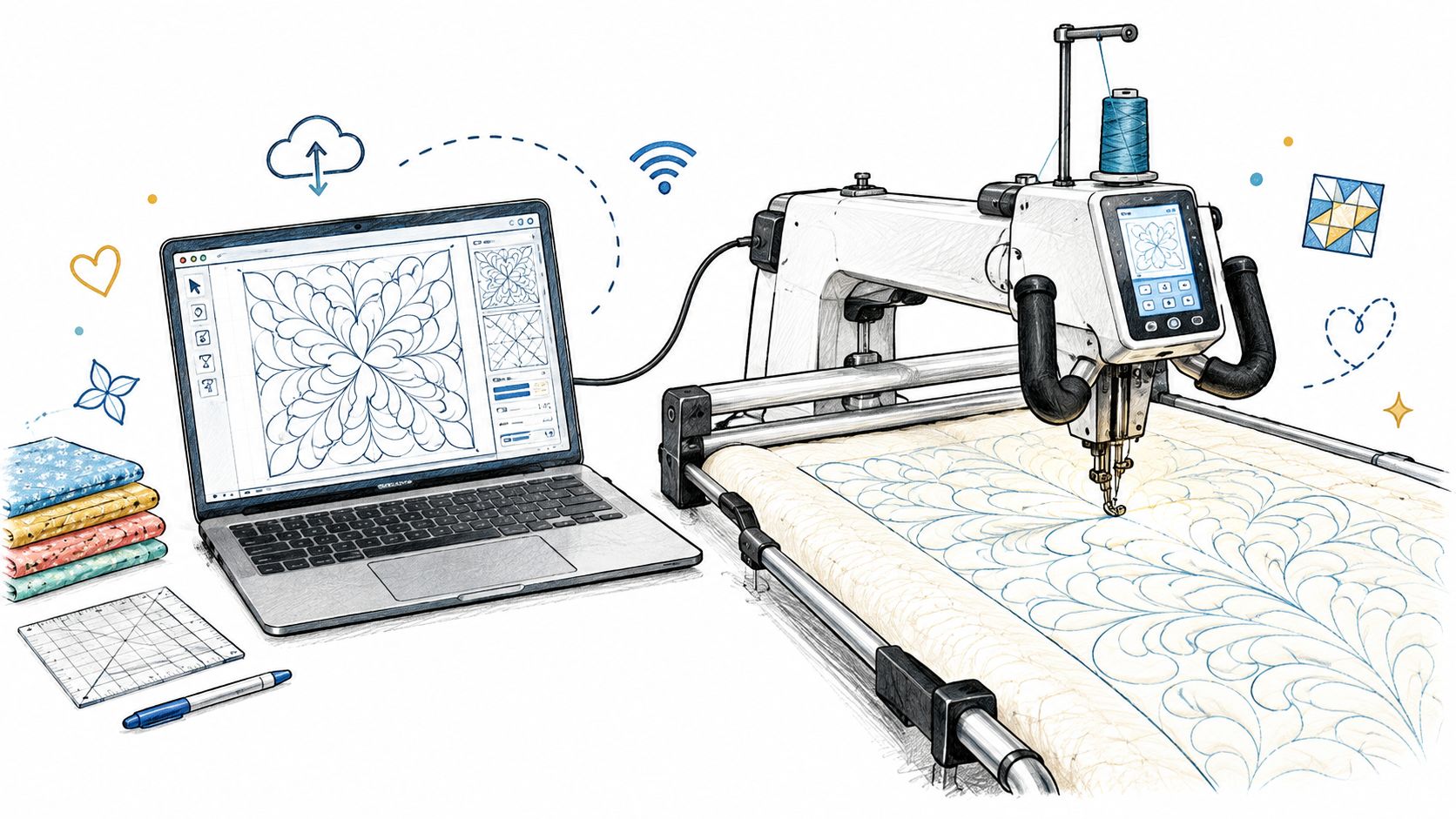
A digital design earns its value only when it transfers accurately to fabric, thread, and needle. An edge-to-edge pattern can look correct on screen, yet the finished quilt still depends on throat space, the movement system, robotics control, loading method, thread choice, and the operator's placement technique.
Software and machine decisions belong in the same workflow. A quilter comparing longarm equipment needs to consider the entire path from design creation to quilting execution. The machine determines how the quilt is loaded, how a motif is positioned, and how stitching is controlled. A design library can support creative variety, but it cannot resolve an export problem or compensate for unfamiliar setup procedures.
Test the complete workflow
Hands-on testing exposes problems that screenshots conceal. At a dealer, ask to see a design selected, resized, positioned, and sent to the longarm. Check whether the file retains its scale and placement, and whether the controls remain manageable during actual setup. A long feature list does not guarantee a practical quilting session.
B-Sew Inn is an authorized sewing, quilting, and embroidery machine dealer with retail stores in Tulsa and Oklahoma City, Oklahoma, Springfield, Missouri, Humble, Texas, and Fayetteville, Arkansas, as well as an online store. The dealer sells and services sewing, quilting, and embroidery machines, along with longarm machines, design software, threads, notions, cabinets, and cutting tables.
An in-person visit helps connect software choices to physical work. A quilter can see and test machines before making a significant purchase, ask how the software fits the selected machine, and discuss service or machine mastery support. Someone who already owns a longarm can bring an exact file-format question instead of selecting software in isolation.
Match training to the equipment
Instruction should cover the whole handoff. Learn how to draw a motif, prepare the quilt, set boundaries, check scale, manage thread, and recover from a placement mistake. The longarm computerized quilting machine guide offers a starting point for connecting machine capabilities with digital planning.
Expansion packs and specialized design libraries can add value when they match the machine and the quilter's preferred style. They do not replace compatibility checks or hands-on practice. The strongest setup is one the quilter can operate confidently, maintain properly, and use to move from a saved design to consistent stitching.
Choosing Your Next Quilting Workflow
The right software tier follows the quilter's next real task.
A hobbyist who mainly needs to compare fabric combinations may not need a deep drafting environment. A desktop drafting program becomes more appropriate when the quilter wants original blocks, reusable layouts, cutting information, templates, or printable patterns. A longarm owner should prioritize machine-compatible export and precise motif editing before choosing a visually attractive interface.
Small businesses and educators have different needs. They benefit from saved libraries, repeatable assets, clear documentation, and a workflow that can be demonstrated to students or repeated across client quilts. Library-based systems can reduce rework when the same block families, fabric selections, or design elements appear across multiple projects, while a portable browser tool may be better for consultations and quick color decisions.
A focused buying sequence
Use this order before spending money:
- Start with the physical machine. Confirm the longarm or robotics system's accepted formats and connection method.
- Define the design job. Decide whether the priority is fabric auditioning, original block drafting, cutting documentation, vector editing, stitch-file preparation, or a combination.
- Check the full export list. Look for exact extensions, not broad phrases such as “supports quilting files.”
- Test the interface. Open a sample project, inspect scale and placement tools, and determine whether the workflow feels natural.
- Plan for instruction and service. Choose a dealer or class setting where the quilter can practice the complete path from design to stitched result.
A quilter doesn't need the most complex system available. The better choice is the one that removes the next bottleneck without creating a new one. Mobile convenience can be the right answer for visual planning, while desktop control remains the better investment for repeatable production. Longarm robotics software may then handle the final movement and stitching stage, provided the file handoff is verified.
B-Sew Inn offers machine sales and service, in-person classes and machine mastery sessions, trade-ins, longarm equipment, quilting software, and related supplies. Readers can visit B-Sew Inn to browse relevant collections, arrange an in-store machine demonstration, ask about compatibility, or book an in-person class before committing to a new quilting workflow.

